
Pricing
Set it up once, then one subscription
Everything the restaurant needs sits inside a single plan, month to month with nothing to sign. No per-feature add-ons, no cut of every order.
Switch to yearly and twelve months cost the price of ten.
Lite
For takeout and counter-service stores
CAD 249/ store / month + tax
- Counter POS orders and pickup management
- Menu categories, items and options
- Counter workspace without table service
- Order management
- Up to 2 receipt / kitchen printers
- Staff roles, positions and POS PINs
- Sales, item, and end-of-day reports with full history
- Live online menu (updates instantly)
- Online ordering
- Kitchen order display (KDS)
Pro
Most chosenFor full-service restaurants and more complex operations
CAD 399/ store / month + tax
- Everything in Lite
- Table service, QR ordering, and unlimited printers
- Per-store staff and permission management
- Reservation management
- Waitlist kiosk
- Priority support
- Food purchasing management and AI receipt analysis
- Uber Direct delivery integration
- Clover online payment integration
Growth
Coming soonMulti-location and headquarters operations — planned
Pricing to be announced
- Everything in Pro
- Multi-location management and headquarters reports
- Central menu and price management
- Cross-store inventory transfers and oversight
- Recipe costing and menu margin analysis
- Payroll management
- Attendance and scheduling
The monthly subscription has no contract. No minimum term — carry on month to month, and stop whenever you need to.
All amounts are in CAD, per store, and exclude tax (HST).
Setup & hardware
Start with a single terminal
Fit it to the size of the room and add to it as you go.
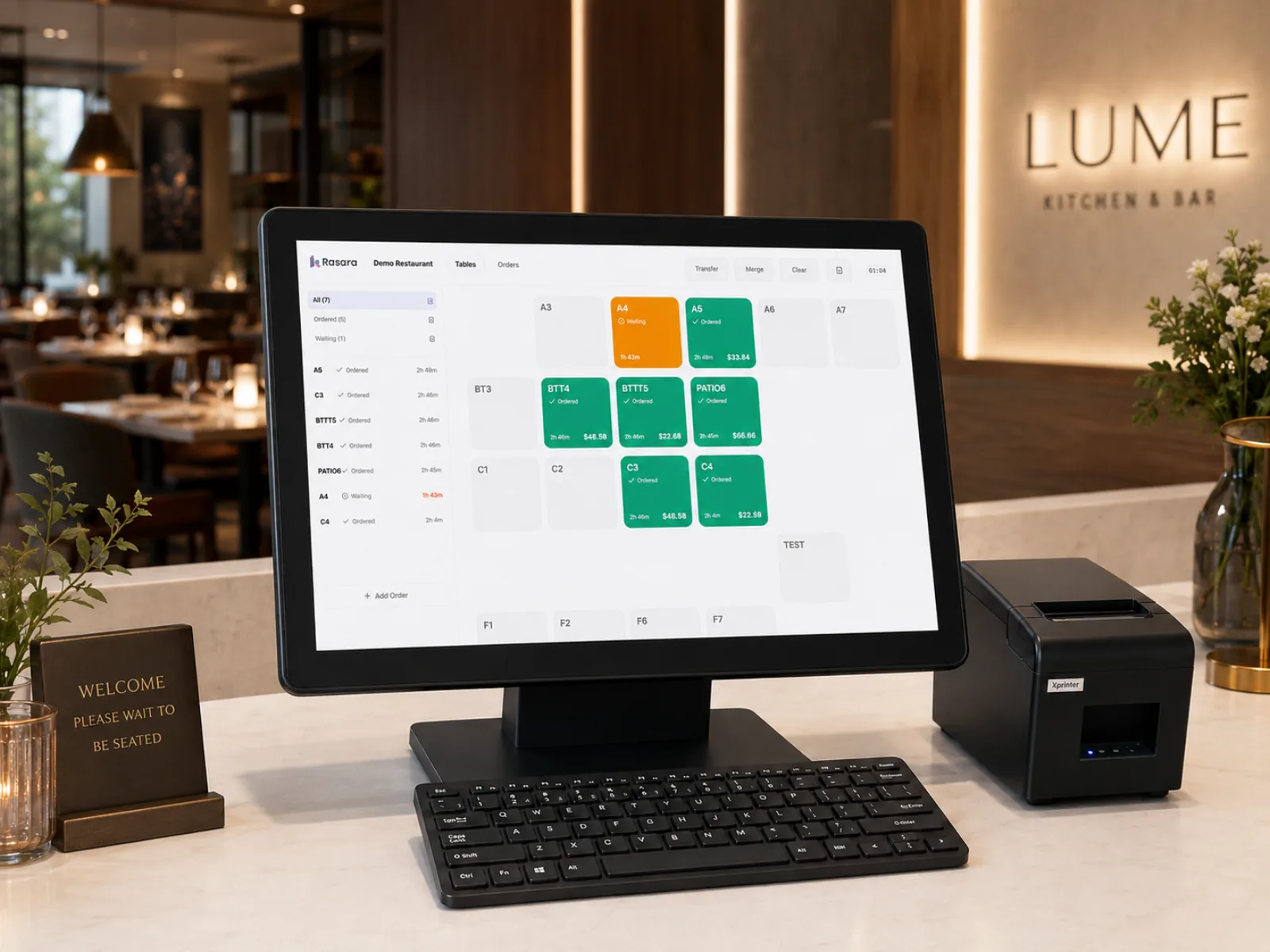
POS setup
CAD 1,500one terminal · one-time
One terminal is needed: it bridges the printers on your in-store network and drives the cash drawer. And one is all it ever is — you never add a second terminal computer, because pads alone extend POS control as far as you want, so orders and payments get handled wherever the floor takes your staff.
- Bridges the kitchen and receipt printers on your network
- Drives the cash drawer
- Extend POS control with pads — never a second terminal computer
Buy the tablets yourself
Your choiceAny make, any model
The tablets are yours to buy. Nothing is mounted or wired to a table — you carry a pad over the way you'd carry a paper menu, and take it back once the order is in. No fit-out, no stands, no installation cost.
- Any pad works — Android, iPad, Lenovo, Galaxy
- An 11" Android tablet is the size to aim for
- Carried over like a menu and collected after ordering — nothing installed
- Start with two or three and add as many as you need
- Under ten minutes to set up each one
An 11" Android tablet is plenty. A budget Android tablet is the cheapest way in; for something more proven, the Lenovo Idea Tab 11".
Contact
See a demo tailored to your restaurant
Leave your details and we'll walk you through a setup configured for your space.